
We accept payments via BTC (Bitcoin) and LTC (Litecoin).
Here is a step-by-step guide to placing your order and paying with crypto:
Step 1.
If you don’t have an exchange account or wallet set up already, we recommend downloading the Exodus Wallet app on your phone. Alternatively, you can use Banxa.
Step 2.
Visit our web site, add your desired items to your cart then click the Checkout button.
Step 3.
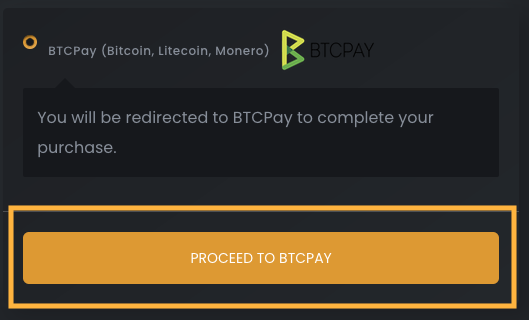
Fill in your details then click the ‘Proceed to BTCPay‘ button.
Step 4.
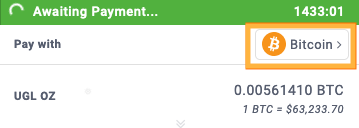
Click the ‘Pay with‘ button. From here you can select Bitcoin or Litecoin.
Step 5.
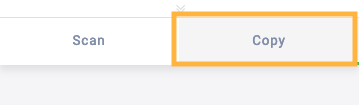
On the payment dialog, click the “Copy” tab.
Step 6.
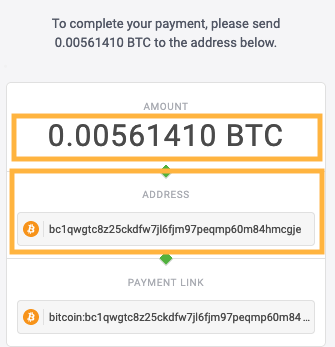
Take note of the “Wallet” address and the “Amount”.
Step 7.
Go back to the Exodus app or Banxa to purchase the amount of BTC / LTC shown on checkout. You can even purchase this using your debit card.
Then send the selected crypto amount to the wallet address you copied from checkout. Once payment is received you’ll receive a confirmation email to confirm that we’ve got your order.